Discourage buddy punching
Make it harder for someone to clock in on behalf of a colleague.
Your people. Every site. The bigger picture.
Bring the work together with Glidesk.
See the people behind the work.
Illustrative interface and sample data. Explore actual product scope in your demo.
Designed around the realities of cleaning and facilities management.
Know who clocked in. Review where it happened.
Bring stronger checks to the hours you pay.
Make it harder for someone to clock in on behalf of a colleague.
Bring identity, location and exceptions into the review of claimed hours.
Review attendance before payroll to help address overpayments, underpayments and disputed hours.
Follow a sample worker from room to room, through meeting spaces, the kitchen and other facilities. Heat builds along the cleaning path, turning from blue to red where the worker spends longer. Watch the walkthrough, then click a room to inspect its dwell time.
Autoplays once when first visible. Time is accelerated: heat builds along the cleaning path. Colour reflects accumulated time at each small spot, not the whole room or shift. Furniture stays visible; untouched areas remain clear. Clock-out stops movement and freezes all room totals; Play again resets the demo.
The cleaner vacuums floors, pauses to wipe furniture and fixtures, then leaves through the main door with the supply trolley and vacuum. Illustrative floor plan, person and room timings. This is a proposed indoor reporting experience, not live tracking or a claim of room-level GPS accuracy. Indoor positioning and privacy controls require confirmation.
These checks support review; they do not guarantee the prevention of time fraud, wage theft or payroll errors. No accuracy or savings figure is claimed. Discuss privacy, employee communication, alternatives, permissions and data retention before rollout.
Disconnected records. Repeated admin. Another spreadsheet to explain the numbers. There’s a better way to bring it all together.
Glidesk connects the people doing the work with the teams planning, managing and understanding it. So the whole business can move with a clearer picture.
Follow one connected working day.
Select a step to explore the journey.
Bring sites, people and the service you need to deliver into focus.
Site & job planningTen connected perspectives.
One place to start making sense of it all.
Use facial recognition, geolocation and liveness checks to support attendance review, discourage buddy punching and investigate inaccurate time claims before payroll.
Revenue tells you how much work you won. Costs tell you more about what that work contributes. Bring both into the conversation with Finance & CostIQ.
Try the illustrative calculationRevenue less labour and £2,760 in materials/other costs. Excludes tax and unlisted costs. Illustration only; not a forecast or customer result.
Early starts, dispersed teams and exacting standards. Keep the office, supervisors and cleaning teams connected to the same working picture.
Schedules, leave, payroll information and updates belong close to the people doing the work. Explore the appropriate mobile access for each role and confirm your organisation’s setup.
 JS
Everything you need, closer.
08:00 — 16:00
From everyday essentials to the bigger picture.
Bring your current systems to the demo. We’ll discuss the information you need to exchange and the implementation it may require.
Explore integration scopeNamed in Glidesk’s published integration information. These are scoping examples, not a claim of ready-to-use or certified connectors.
A published pricing reference to help start the conversation. Confirm current terms before choosing.
A starting point for core records and attendance.
HR, attendance, sales and operational workflows.
A broader platform conversation across teams.
Final pricing, taxes, setup and trial terms require confirmation. View the full plan guide ↗
Your people. Your data. Your priorities.
Let’s make the important conversations count.
Discuss access, data handling, hosting and employee privacy. Ask for current supporting documentation, including the approach to facial recognition.
Define your own baseline for administration time, site performance and contract contribution. Measure the difference with your operational data.
Start with the workflows that matter most. Discuss configuration, employee communication, onboarding and the right next steps for your team.
Practical perspectives on your people, operations and the systems that connect them.
Explore all insights
A practical starting point for connecting people, attendance, operations and finance without assuming every integration is automatic.
Read article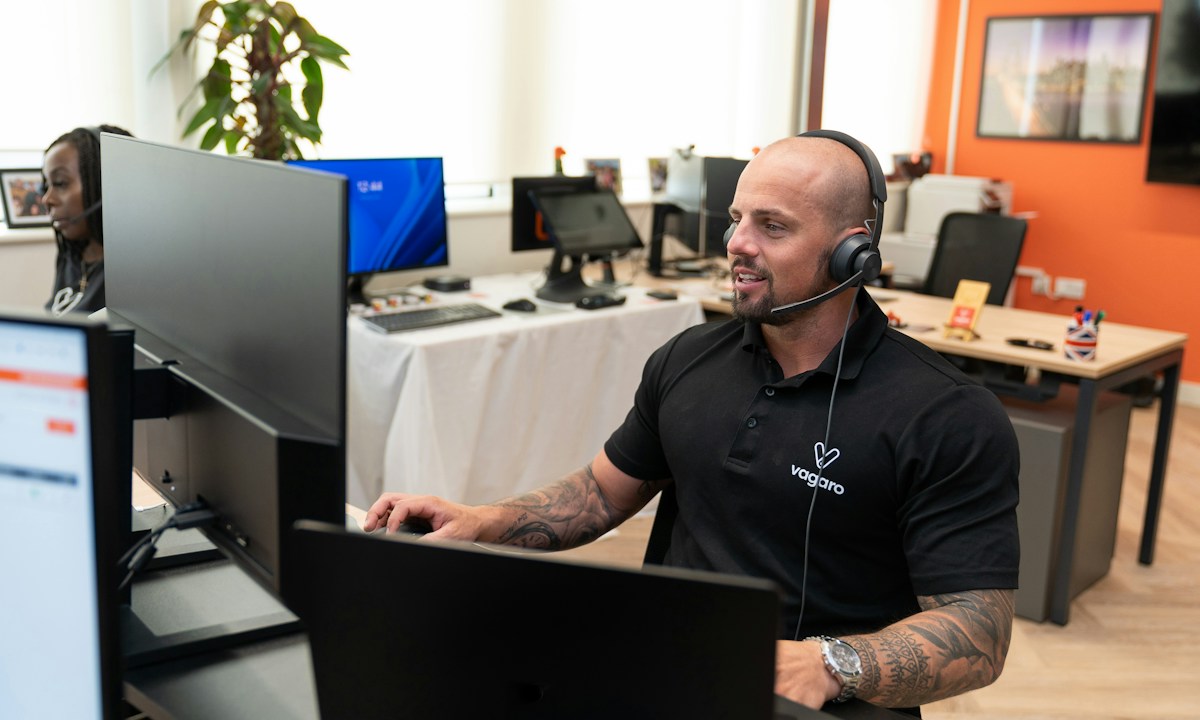
Prepare site cover, mobile access and a practical support plan before your team takes a break.
Read article
Connect site delivery with the people, records and costs that make the service possible.
Read articleA conversation around your priorities, followed by the relevant workforce, operational and financial workflows. Product scope and configuration can be confirmed with the Glidesk team.
The interfaces, buildings and figures shown here are illustrative. They explain the proposed connected experience and are not live product screenshots or customer outcomes.
Discuss employee privacy, device requirements, biometric data handling, suitable alternatives and communication before rollout. Ask the team for current documentation.
Choose an available time through our Microsoft Bookings page. After completing your booking, you receive an email confirmation and a Microsoft Teams meeting link.
Bring your business challenges.
We’ll bring the connected perspective.